
Content · 21
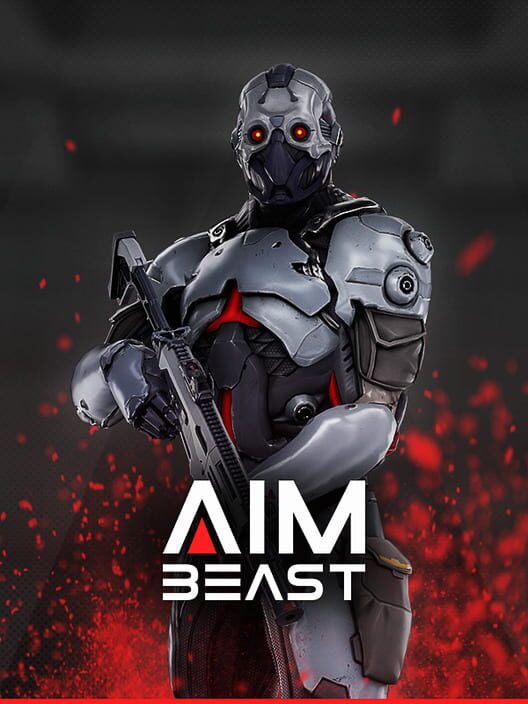
Bot shading is enabled by default with an intensity of 1.0 and can be disabled in Settings > Graphics.
bot shading default stateAdds a setting that adjusts the metallic appearance of the bot.
bot metallic settingAdds a setting that deactivates the jetpack and resets its interval when the bot is closer to the roof than this distance.
jetpack min ceiling clearance settingAdds an option that limits a bot's falling velocity to the Terminal Velocity value, slowing it down via Drag if exceeded.
limit terminal velocity settingAdded a Bot Scale multiplier in Free Play that multiplies the bot scale by this value.
bot scale multiplier in free playAdds a setting for the drag applied when a bot exceeds terminal velocity.
terminal velocity drag settingAdds a jetpack fly mode for bots that applies a force over time so the bot can fly while still affected by gravity.
jetpack fly modeAdds an option that makes the jetpack always try to activate when the bot is on the ground.
jetpack activate when grounded settingAdds a setting for the bot's terminal velocity value.
terminal velocity settingAdds a setting for the jetpack force.
jetpack force settingAdds a setting controlling the jetpack activation interval.
jetpack activation interval settingAdds a setting for the rate at which the jetpack halts downward motion while active, where 0 means no braking.
jetpack falling braking speed settingAdds a setting to choose the color of the bot shading light.
bot shading light color settingAdds a setting controlling the chance the jetpack activates.
jetpack activation chance settingAdds a setting to randomize the jetpack activation interval.
jetpack randomize activation interval settingAdds an intensity setting for the shading light, ranging from 0 to 150.
bot shading light intensity settingAdds minimum and maximum settings for how long the jetpack force lasts.
jetpack force duration settingAdds a shading option that lights bot models to make them look more volumetric and 3D, aiding depth perception.
bot shading optionAdds a setting for the jetpack maximum speed.
jetpack max speed settingAdds a setting for the time in seconds for the jetpack to ramp from 0 to full force, where 0 means instant full force.
jetpack time to full force settingAdds a setting to randomize the jetpack force.
jetpack randomize force setting
System · 1
Favoriting a scenario now automatically adds a like to boost its promotion.
scenario favoriting like
UI · 6
Added a Verification Guide button to the scenarios manager to quickly open the scenarios verification guide.
verification guide buttonAdds a Time Range filter to view statistics within a chosen DD-MM-YYYY date range.
statistics time range filterAdds a 'Last 3 Days' statistics filter.
statistics last 3 days filterAdded a Restart button shown on routine completion to restart the current scenario.
restart button on routine completionThe bots debug view, opened with Alt+8, was fully reworked to improve visibility and includes added information.
bots debug viewAdds a 'Last 14 Days' statistics filter.
statistics last 14 days filter
Fix · 3
Fixed a bug where some events did not update spawn protection when the bot was destroyed.
spawn protection update on bot destructionFixed a rare freeze that occurred while refreshing the scenarios list.
scenarios list refresh freezeFixed a bug where only the last scenario or routine was downloaded when downloading multiple.
multiple scenario/routine download

