
Content · 5
A new tutorial phase explaining perfect placements was added.
tutorial phase on perfect placementA field quest tile with two field edges was added.
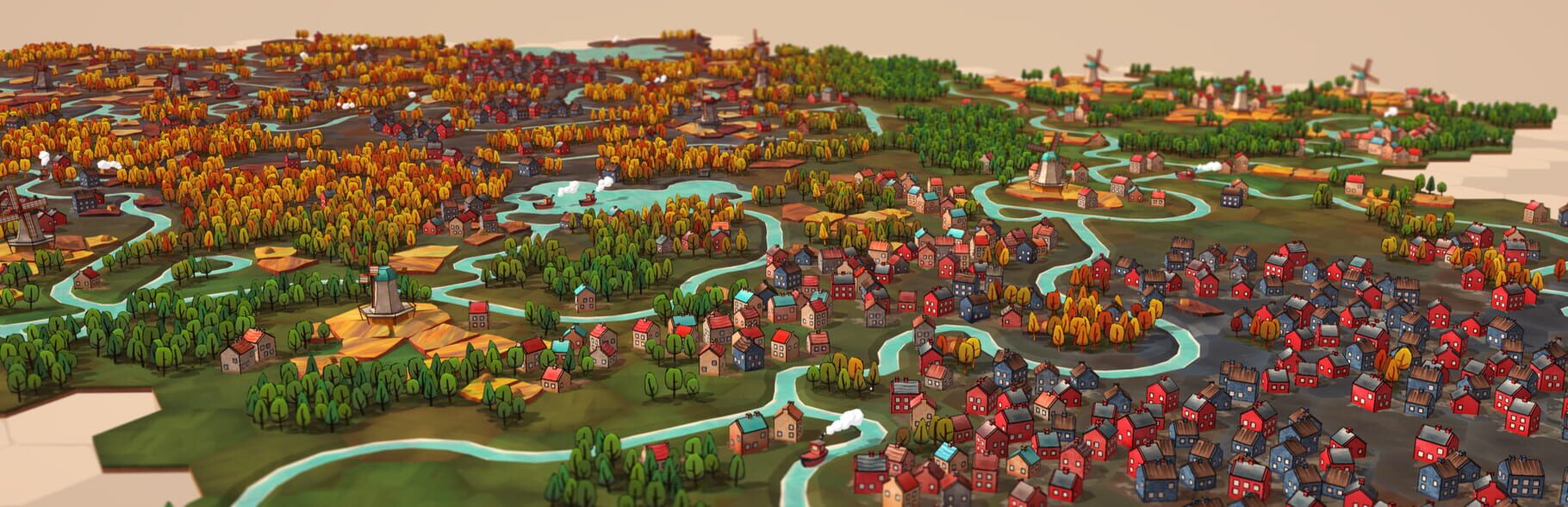
field quest tileVisual variety of villages in the Lavender biome was improved.
village visual varietyAdded a creative mode tool that generates a tile perfectly fitting all surrounding edges of a selected tile slot.
generate matching tile toolVisual variety of forests in the Standard biome was improved.
forest visual variety
Controls · 1
A Run in Background toggle was added to Settings > Other.
run in background toggle
System · 2
Save games now load asynchronously, letting players watch the world being created while it loads.
save game loadingAll challenges are now permanently active.
challenge availability
UI · 13
The tutorial ending was improved.
tutorial endingThe score explanation phase of the tutorial was improved.
tutorial score explanation phaseAnimations were added to creative mode tool previews.
creative mode tool previewFeedback for all buttons was improved.
button feedbackThe game mode selection and save game screen was reworked.
game mode selection and save game screenButton behaviour was unified and improved.
button behaviourA new perfect placement feedback effect was added.
perfect placement feedback effectA Highlight Matching edges toggle was added to Settings > Other.
highlight matching edges toggleNew unified button and icon graphics were introduced.
button and icon graphicChallenges are displayed ingame sorted by their completion ratio.
challenge display orderClicking a challenge in the reward screen pins it so it displays before unpinned challenges regardless of completion ratio.
challenge pinningFeedback for locking the tile stack was improved.
tile stack locking feedbackThe current game mode is displayed in the main menu, and highscore and rank are shown only if the current game mode has them.
main menu game mode display

