
Content · 7
New creative mode sessions start without a starting tile.
creative mode starting tilefrom Creative Mode, New Demo Contest & Gamescom Schedule ↗Previously missing tile presets 3A-2B and 3A-2B-1A were added.
tile presets 3a-2b and 3a-2b-1aA new game mode with an infinite tile stack has been added.
Support for an unlimited number of savegames in both classic and creative mode has been added.
unlimited savegameIndividual biomes can be switched on or off in creative mode.
biome toggles in creative modeA deletion mode, toggled by a UI button or rebindable hotkey (Alt by default), lets players click tiles to delete them.
delete tile functionalityfrom Creative Mode, New Demo Contest & Gamescom Schedule ↗Players can continue their classic mode session in creative mode after it ends.
continue classic session in creative mode
Controls · 1
Players can skip tiles they do not want in creative mode.
skip unwanted tiles optionfrom Creative Mode, New Demo Contest & Gamescom Schedule ↗
System · 8
Toggling decoration on and off is now almost instant and decoration costs much less performance.
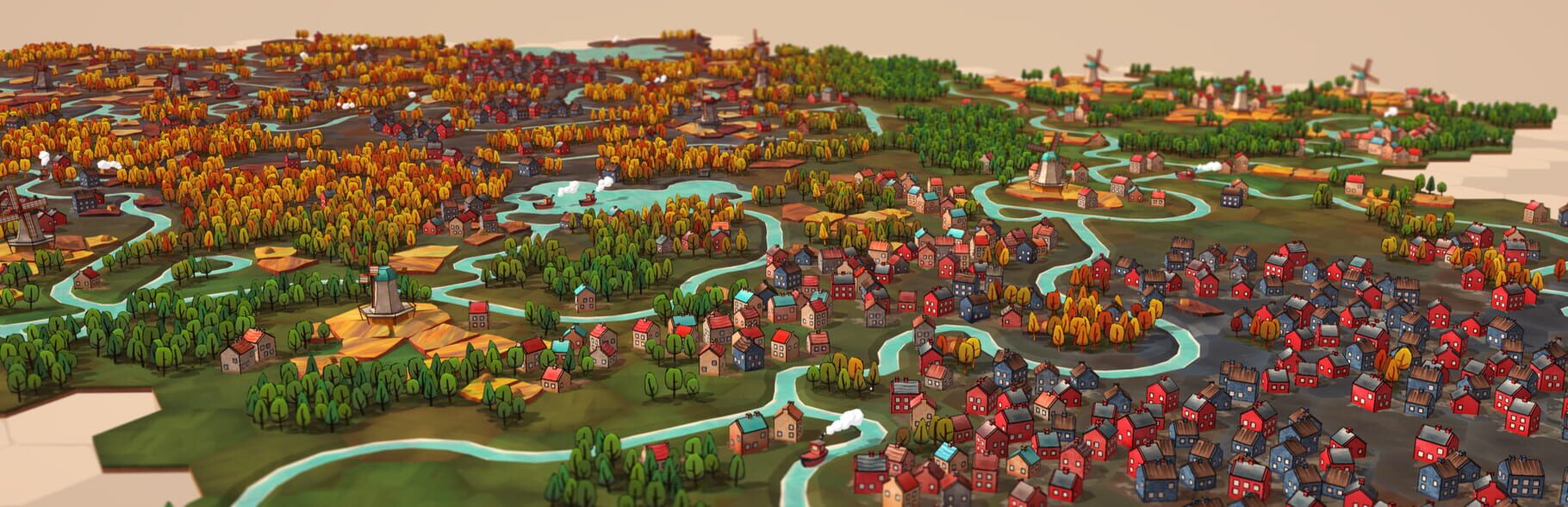
decoration toggle performanceTrees between biomes are scattered to create mixed forests instead of blending their colors.
tree biome transition zoneMemory usage of particle effects was reduced.
particle effect memory usageThere is one autosave slot each for classic mode and creative mode.
autosave slotThe rendering system was reworked to significantly improve rendering performance for trees, houses and decoration.
rendering systemIncremental garbage collection was enabled to reduce performance spikes.
garbage collectionEvery save slot behaves like an autosave slot once it has been saved once.
savegame autosave behaviorA custom build pipeline now lets the game be built for all target platforms and stores simultaneously.
build pipeline
UI · 6
Tooltips were added for the new features.
tooltips for new featureA configuration menu lets players control spawn probabilities of different element types in creative mode.
creative mode configuration menufrom Creative Mode, New Demo Contest & Gamescom Schedule ↗The game mode and savegame selection screen has been reworked.
game mode and savegame selection screenA screenshot is stored for each savegame and shown in the selection menu and confirmation screens.
savegame screenshotThe specific build number is now shown on the credits screen.
credits screen build numberThe tile placement animation was removed for tiles loaded from a savegame, avoiding faulty screenshots with gaps.
tile placement animation for loaded savegame
Fix · 6
The scroll view was fixed so all players can reach menu parts cut off in widescreen resolutions.
settings menu scroll viewThe game no longer gets stuck when reaching GameOver in the tutorial.
game stuck at gameover in tutorialA missing character was added to the Ukrainian font.
missing character in ukrainian fontTile placement is prevented while the cursor is over a UI element, stopping accidental placements when clicking buttons.
accidental tile placement over uiTypos in the Simplified Chinese and Polish text were fixed.
typos in simplified chinese and polish localizationIssues causing huge memory usage on load or quit were fixed, reducing loading and quitting times by up to 75%.
memory usage when loading or quitting
General · 1
Localization was updated for most languages.
general

