Content · 1
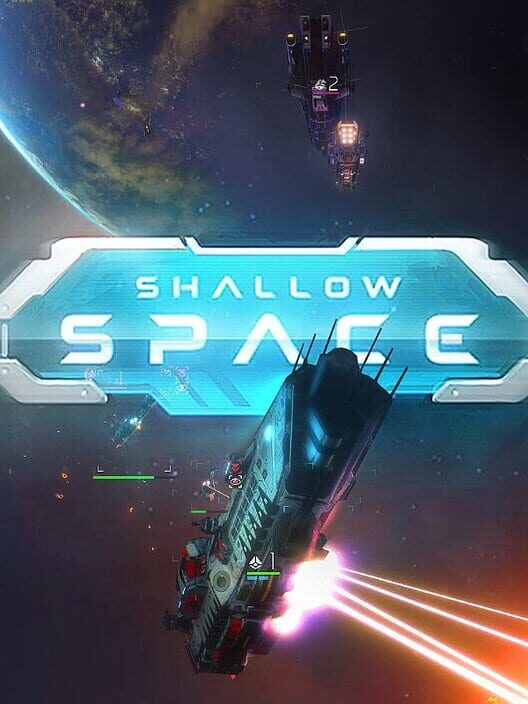
The old menu screen showcasing the newest ships was resurrected.
original menu screen
UI · 8
Zone icons were replaced with images, all Zones are now shown, and an orbit line was added for the example planet Ares around the system's Sun.
zone mapHealth bars on fleet icons were removed and the hologram ship image now serves as the health bar.
fleet icon health displaySquare numbered Zone icons were replaced with pictorial representations of Zone contents, and dark Zones remain listed.
situation panelLevels were changed from pizza box shape to a cylinder shape, removing the grid and border that made maps feel claustrophobic.
battlegrid replacement with cylinder-shaped levelThe 2D UI has matured and prototype UI elements have been removed.
2d ui maturationFonts, element positions and how elements react when used were tweaked for a more polished feel.
font, element position and interaction polishThe fleet panel has been condensed, reducing full-width faction logo icons, and clicking small tactical or Soft Group icons filters the lists.
fleet panelThe 3D UI has been decluttered, giving the Zones a more open feel.
3d ui decluttering
Also in this patch6
A tutorial is planned as part of Update 6 user experience work.
tutorialZone and Space Object tooltips are under review to determine whether they convey needed information.
zone and space object tooltipFive new ships are about to land, including fixed weapon attack Cruisers and pirate aberrate variants.
new shipA small contextual menu will appear when clicking a Ship or Space Object, giving quick access to actions like Open Comms or Attack.
contextual menuRandom encounters will be added.
random encounterThe dedicated Hangar from the old Alpha is planned to return once the tutorial is complete and more mechanics are switched on.
dedicated hangar

